
Market Quotes Dashboard
Visit Quotes
Sravz Quotes Page Description:
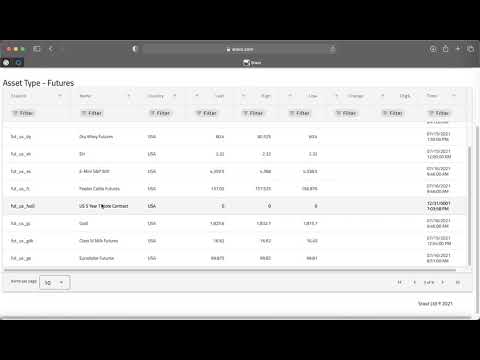
Overview
The Sravz Market Quotes Dashboard provides comprehensive real-time and delayed market data across multiple asset classes. The dashboard features an analytics-oriented design with market sentiment indicators, top movers, and interactive data exploration tools.
Key Features
📊 Market Analytics Dashboard
- Market Sentiment Indicator: Real-time bullish/bearish/neutral market sentiment based on asset performance
- Assets Tracked Counter: Total number of assets being monitored across all categories
- Category Breakdown: Visual chips showing asset distribution (Futures, Indices, Currencies, Crypto, ETFs)
- Data Source Status: Live and delayed data source indicators
📈 Top Movers
- Top Gainers: Ranked list of best performing assets with percentage gains
- Top Losers: Ranked list of worst performing assets with percentage losses
- Real-time percentage change displays with color-coded chips
🗂️ Asset Categories (Tabs)
| Tab | Description | Data Type |
|---|---|---|
| Overview | Combined market snapshot across all asset classes | Real-time |
| Stocks | Equities from major exchanges (NYSE, NASDAQ) | Real-time |
| Indices | Global market indices (S&P 500, NASDAQ, DAX, etc.) | Real-time |
| Futures | Commodity, currency, and index futures | Real-time |
| Forex | Major, minor, and exotic currency pairs | Real-time |
| Crypto | Cryptocurrency prices (BTC, ETH, SOL, etc.) | Real-time |
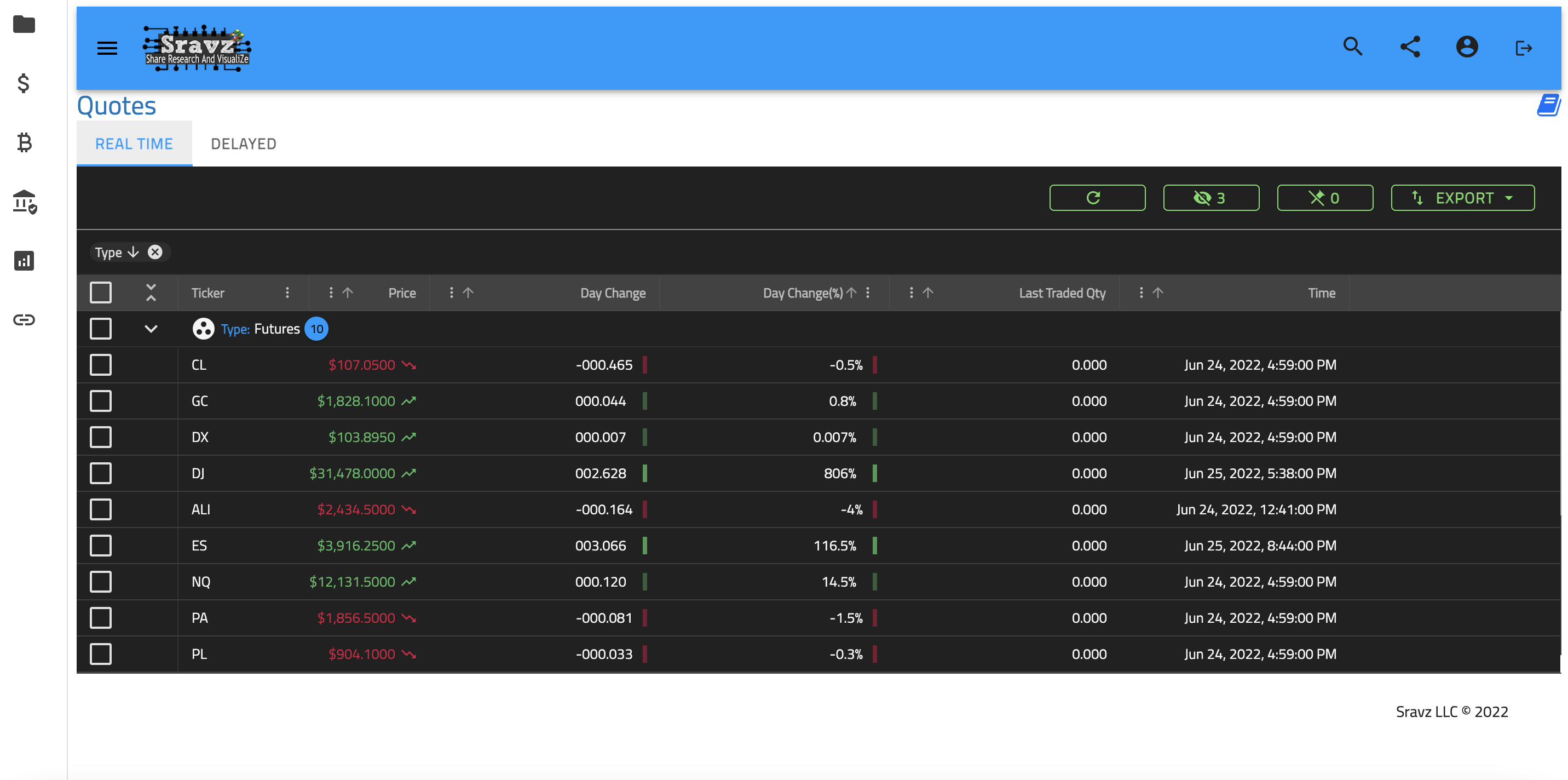
| Grid | Interactive data grid with advanced filtering | Real-time |
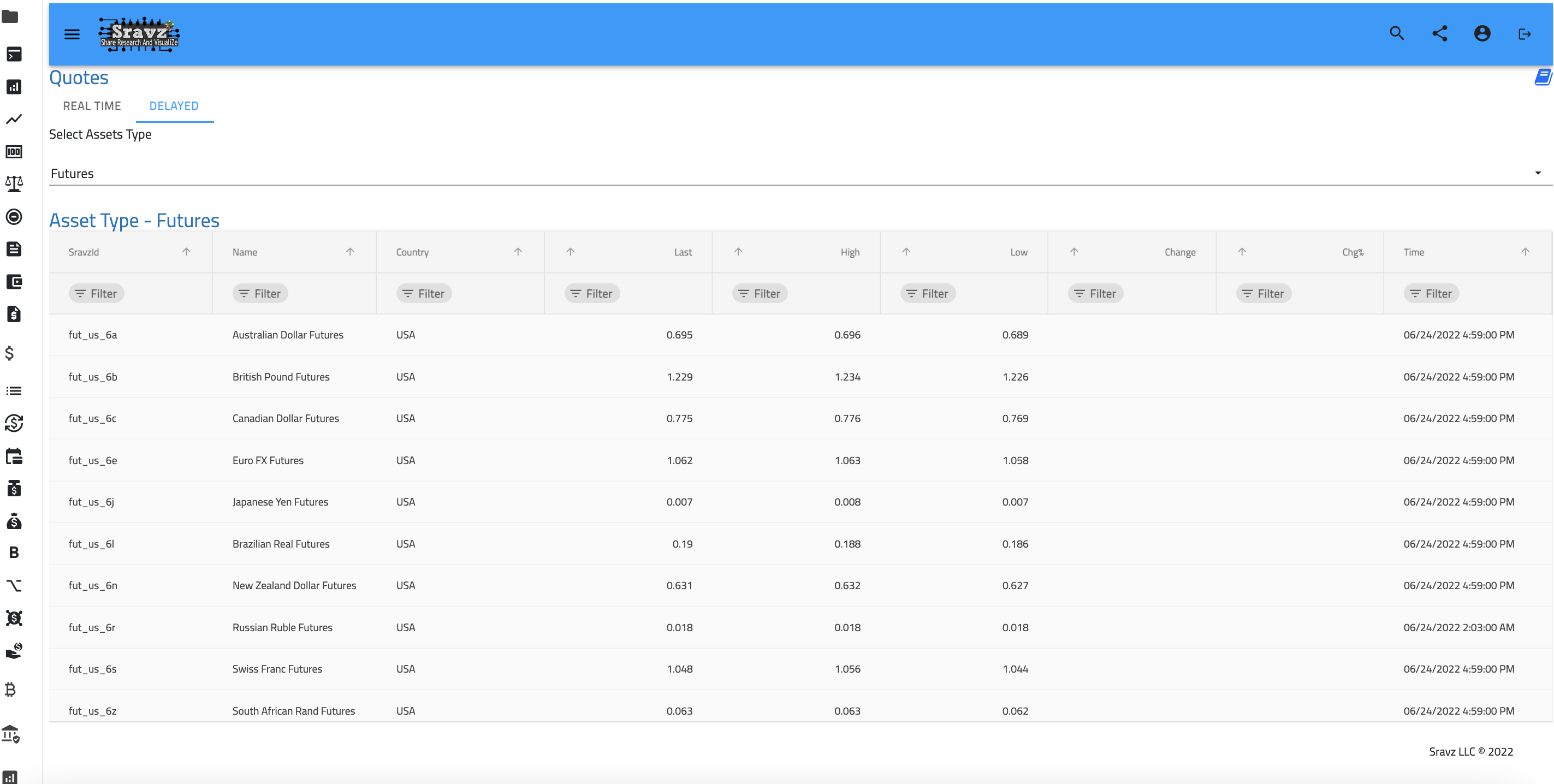
| Delayed | End-of-day quotes across all asset types | Delayed |
| Technical | Technical analysis indicators and signals | Real-time |
Data Sources
Real-Time Data (TradingView Widgets)
The real-time quotes are powered by TradingView widgets, providing:
- Live price updates
- Percentage change indicators
- Symbol logos and branding
- Dark/Light theme support
Delayed Data (Sravz API)
End-of-day delayed quotes include:
- Futures: Energy, metals, agricultural commodities
- Indices: US, European, and Asian market indices
- Currencies: Major forex pairs
- Crypto: Top cryptocurrencies by market cap
- ETFs: Popular exchange-traded funds
- Rates: Interest rates and treasury yields
Use Cases
Quick Market Review
Use the Overview tab for a rapid assessment of market conditions across all asset classes in a single view.
Sector Analysis
Navigate to specific tabs (Stocks, Futures, Crypto) to focus on particular market sectors.
Technical Trading
The Technical tab provides professional technical analysis indicators from Investing.com for informed trading decisions.
Portfolio Research
Use the Delayed tab with the interactive grid to research assets before adding them to your portfolio.
Screenshots
Market Dashboard Overview

Real-Time Quotes Grid
Delayed Quotes Data
Related Pages
- Portfolios - Create and manage investment portfolios
- Portfolios Create - Build portfolios using quote data
- Futures - Detailed futures market data
- Insider Trades - Track insider trading activity